Web App
A walkthrough of the ifc-commit web interface — connecting a git forge to an IFC pipeline with real-time execution and per-element commit history.
The following example shows pipelines running on the gitaec.org ifc-commit-demo, using the provided YAML pipeline files and IFC model. An access token must be created on the forge to scan and run the pipelines.
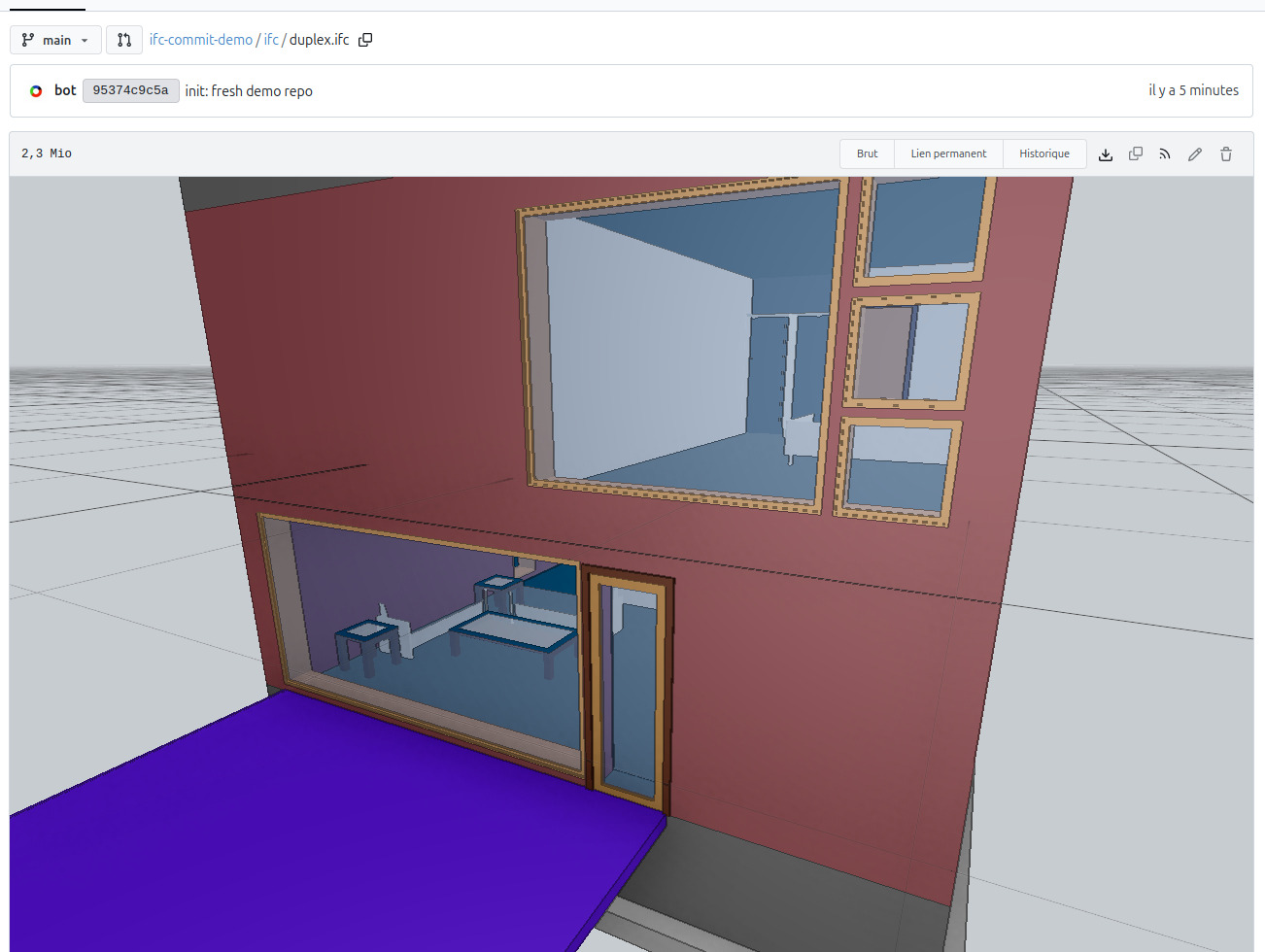
The demo uses the duplex.ifc model, viewed here on the forge before any pipeline has run. The duplex.yaml pipeline will move a sofa inside the model.
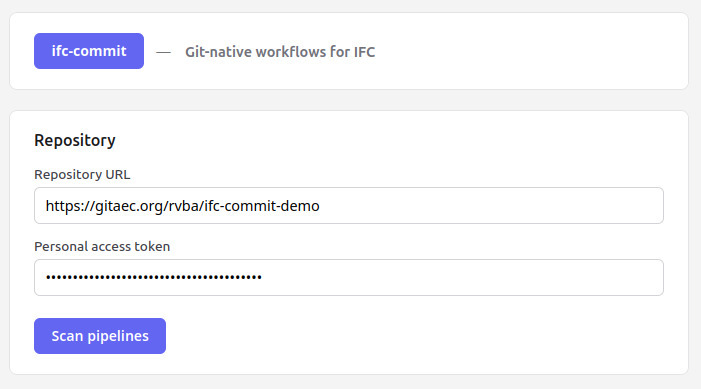
Clicking Scan Pipelines triggers the app to scan the repository for YAML pipeline definitions.
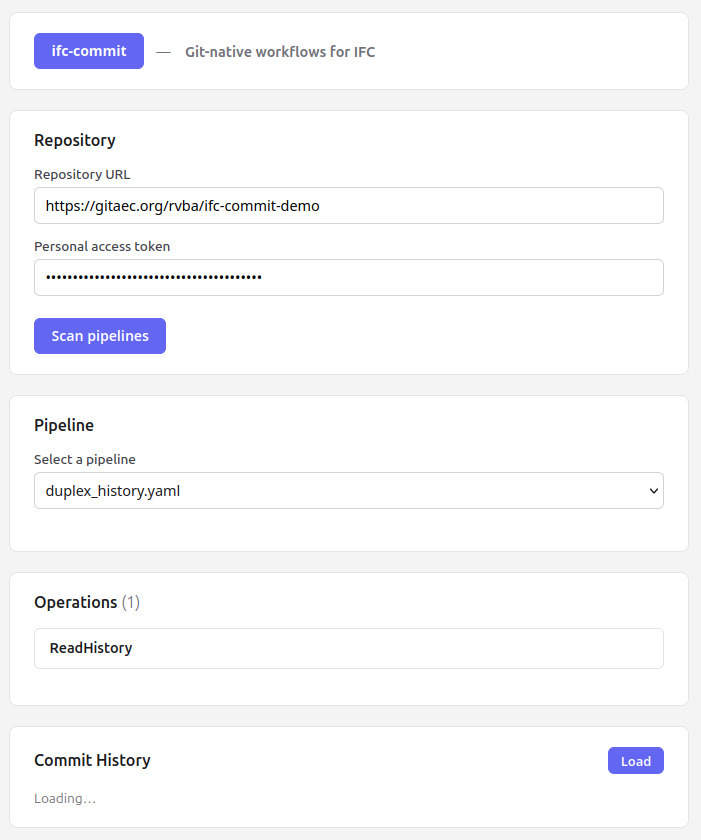
The app finds the duplex_history.yaml pipeline and begins executing it. In this first run, it reads the commit history attached to duplex.ifc and finds none.
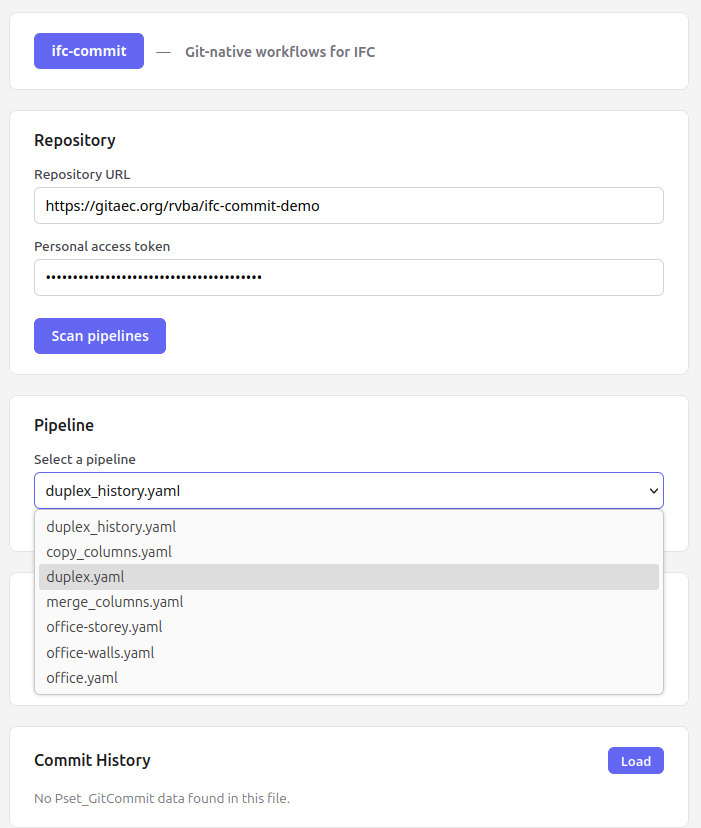
Another pipeline can be selected — here, duplex.yaml.
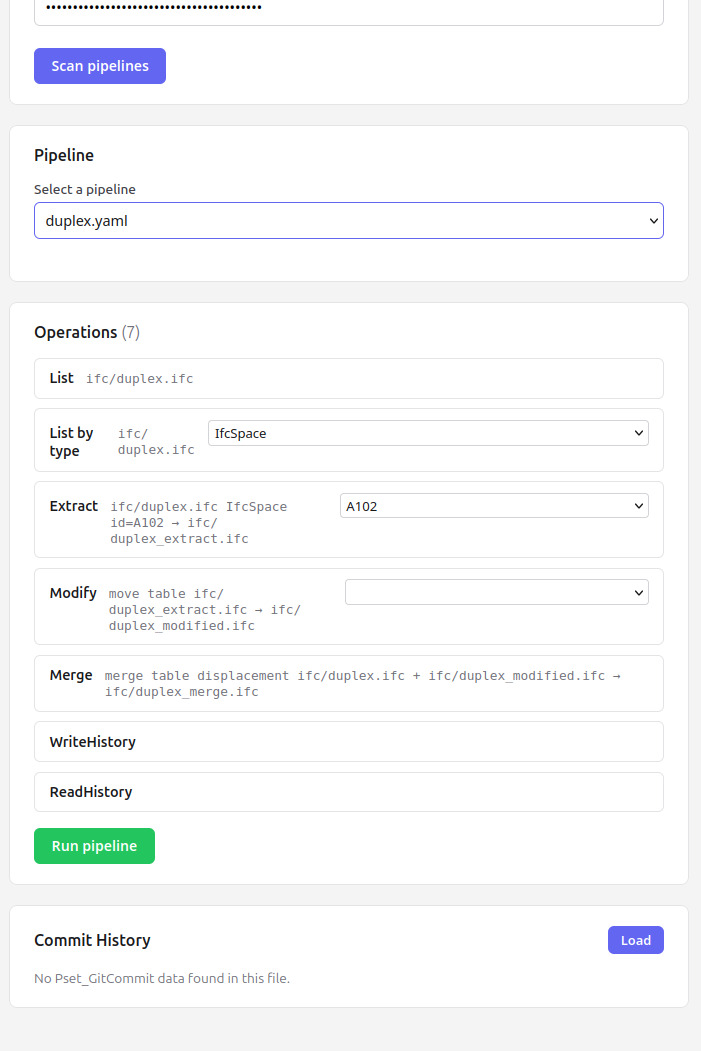
The app parses the file and displays the actions to be performed.
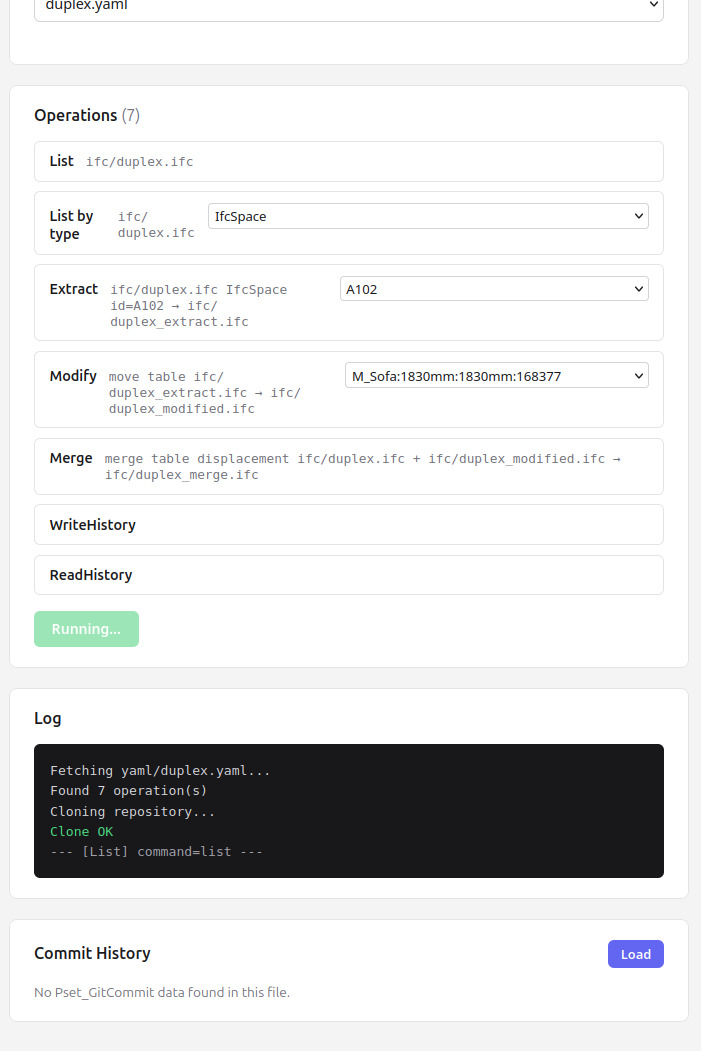
Clicking Run Pipeline starts the execution. The app carries out the extract, modification, and merge tasks in sequence.
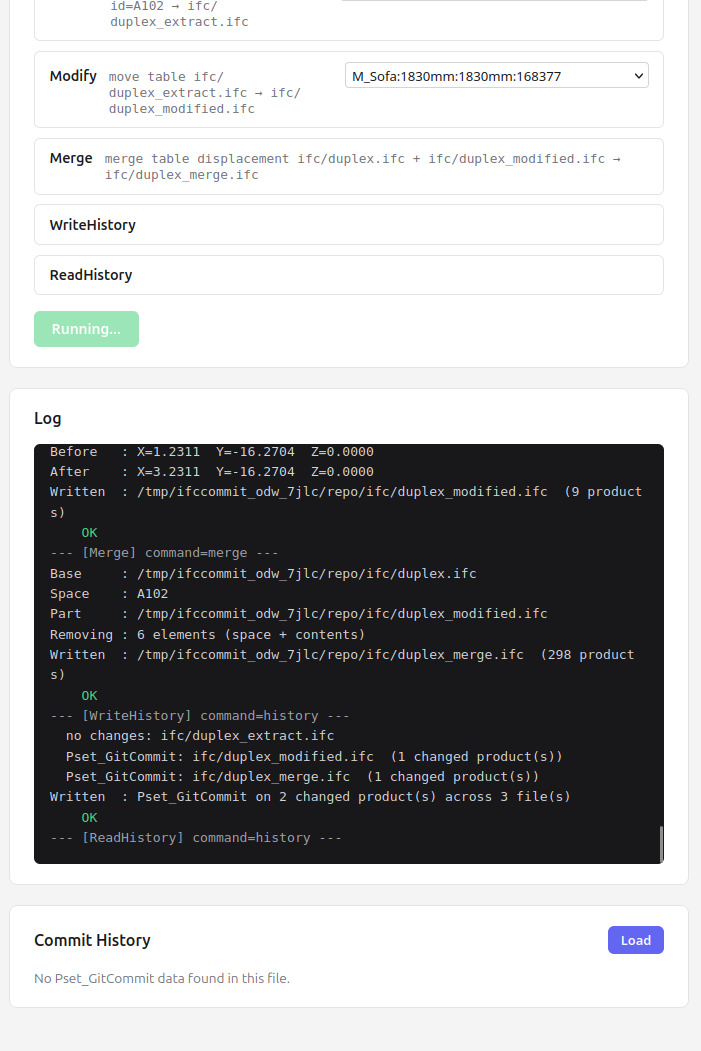
Live logs appear as the pipeline runs.
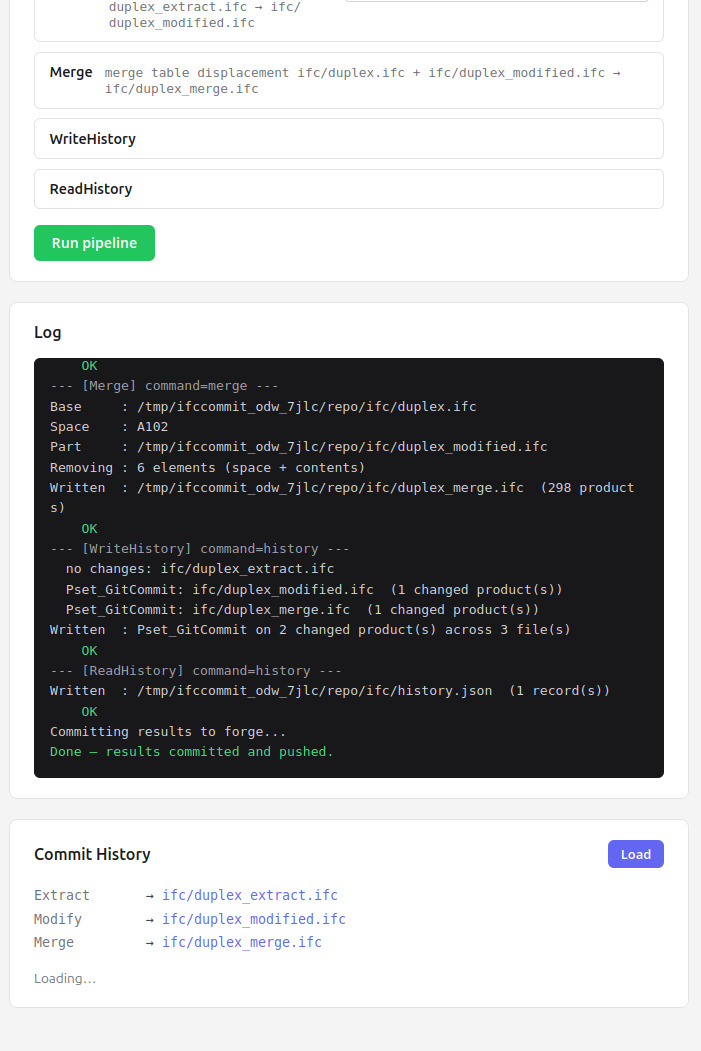
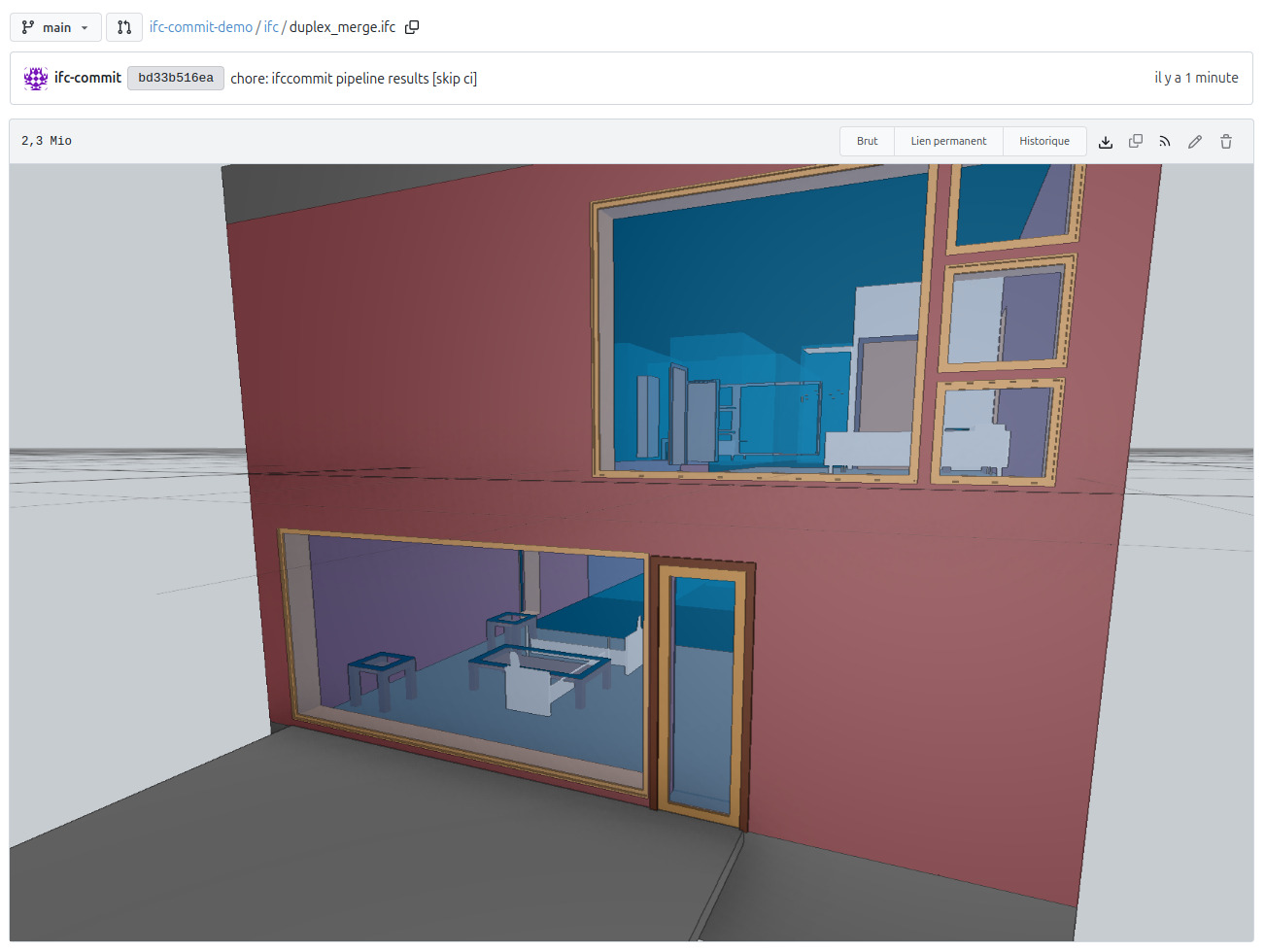
Once all actions are complete, the app pushes the results back to the forge. Three new files appear in the repository: the extracted elements, the modified version, and the final merge.
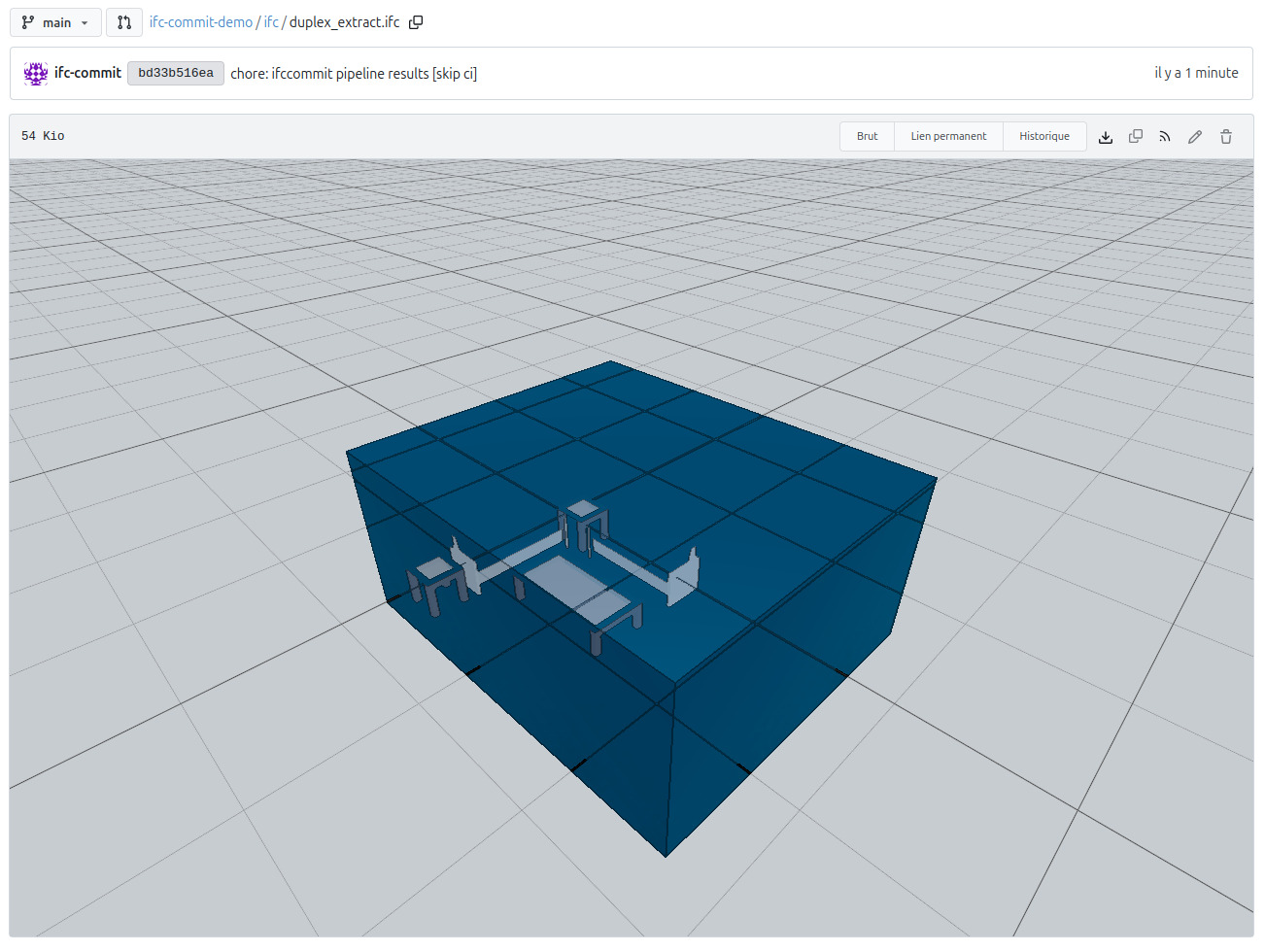
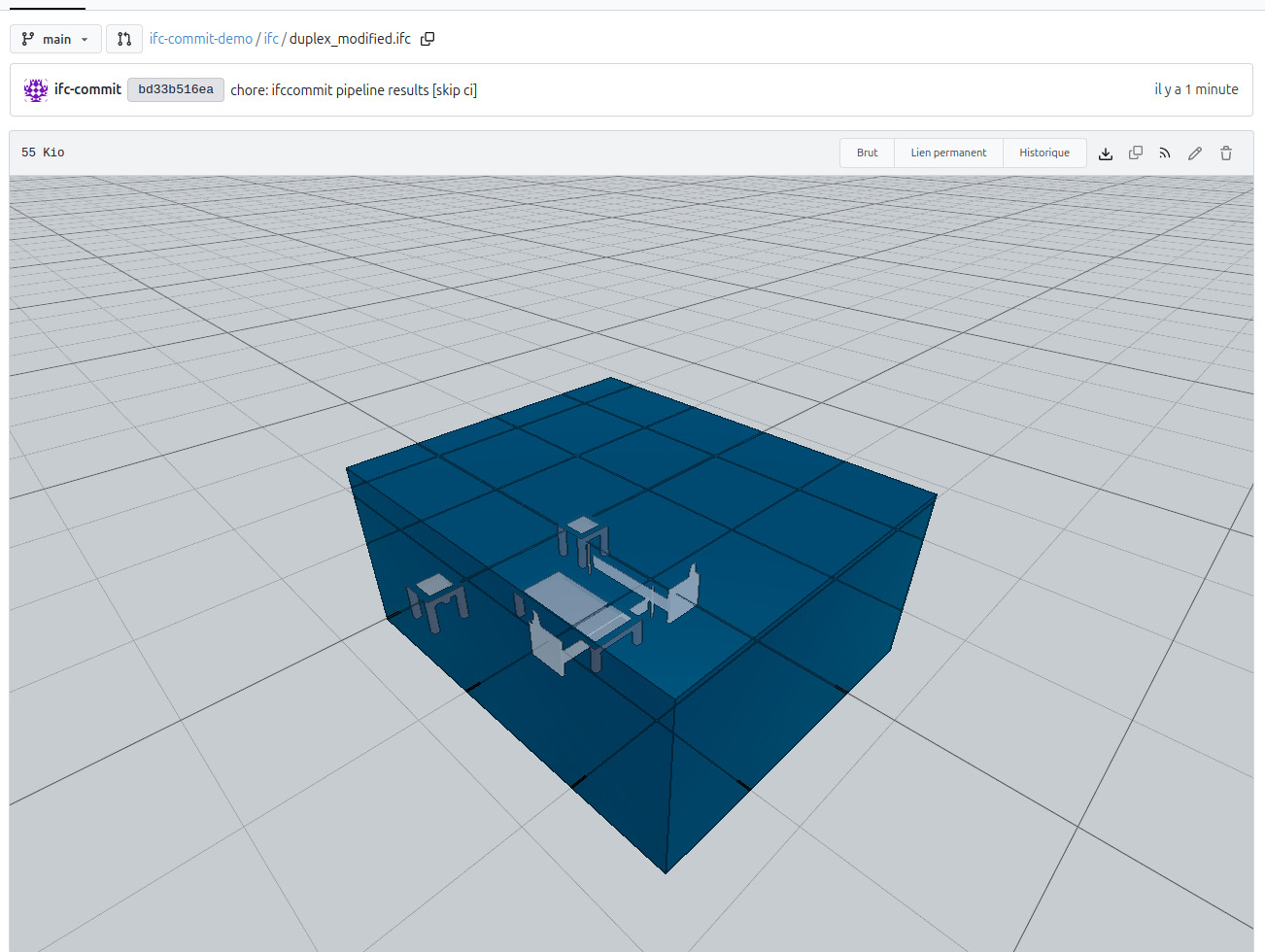
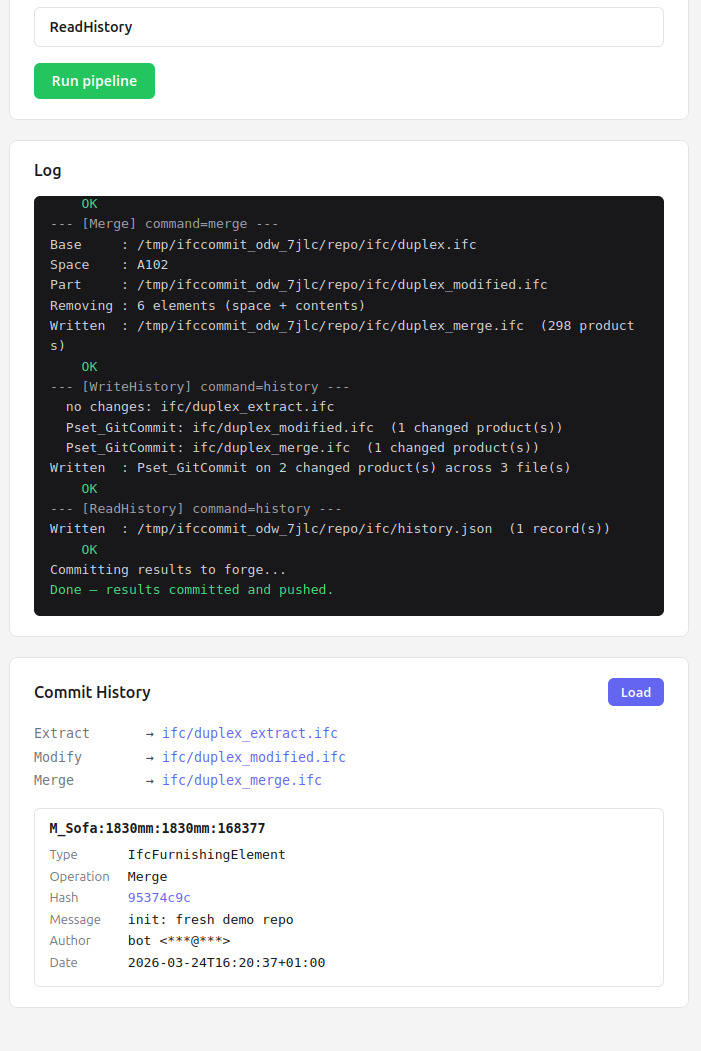
Finally, the file is read again and displays the commit history with the recorded modifications. In this example, a sofa has been moved.
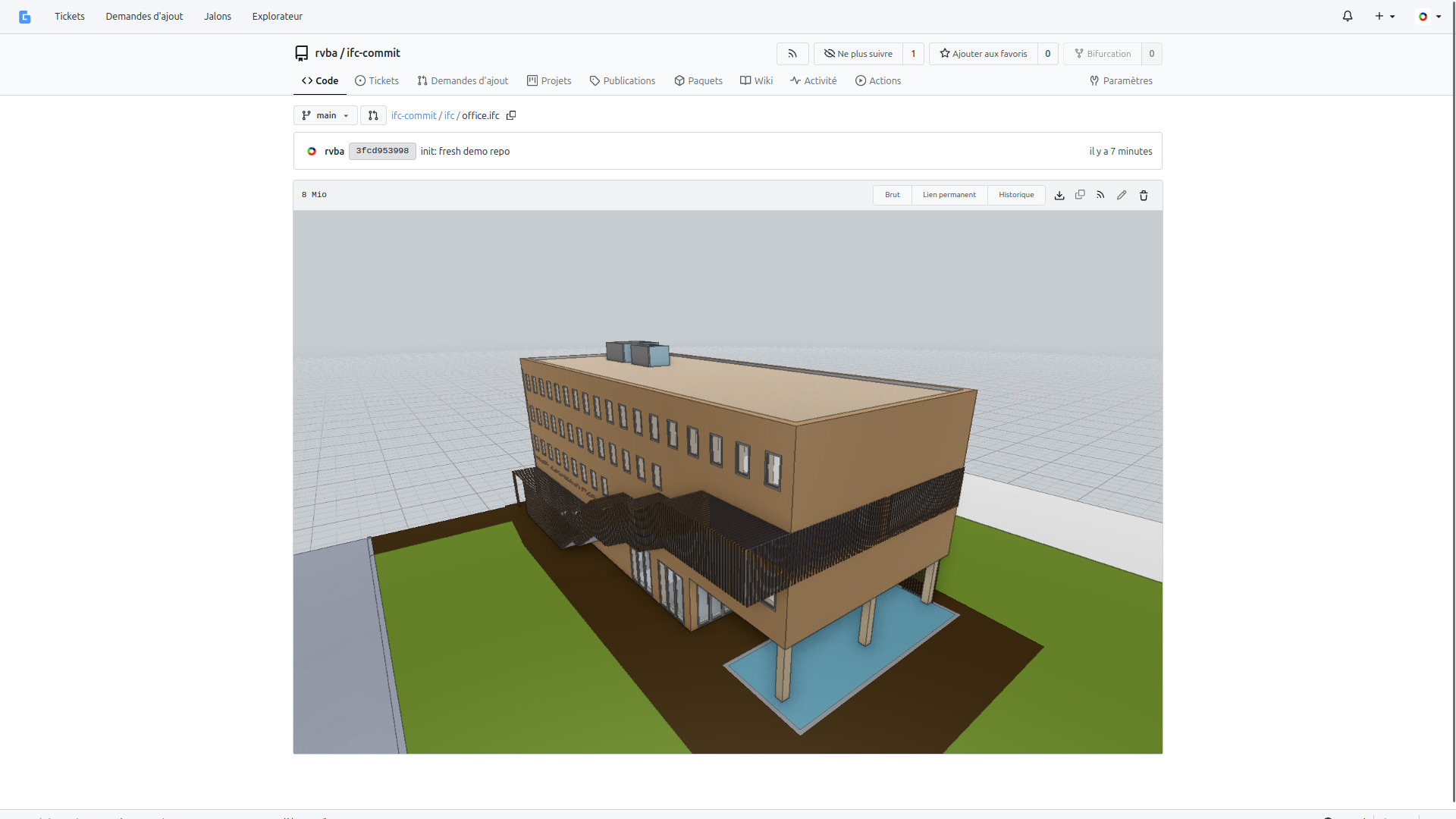
Office model
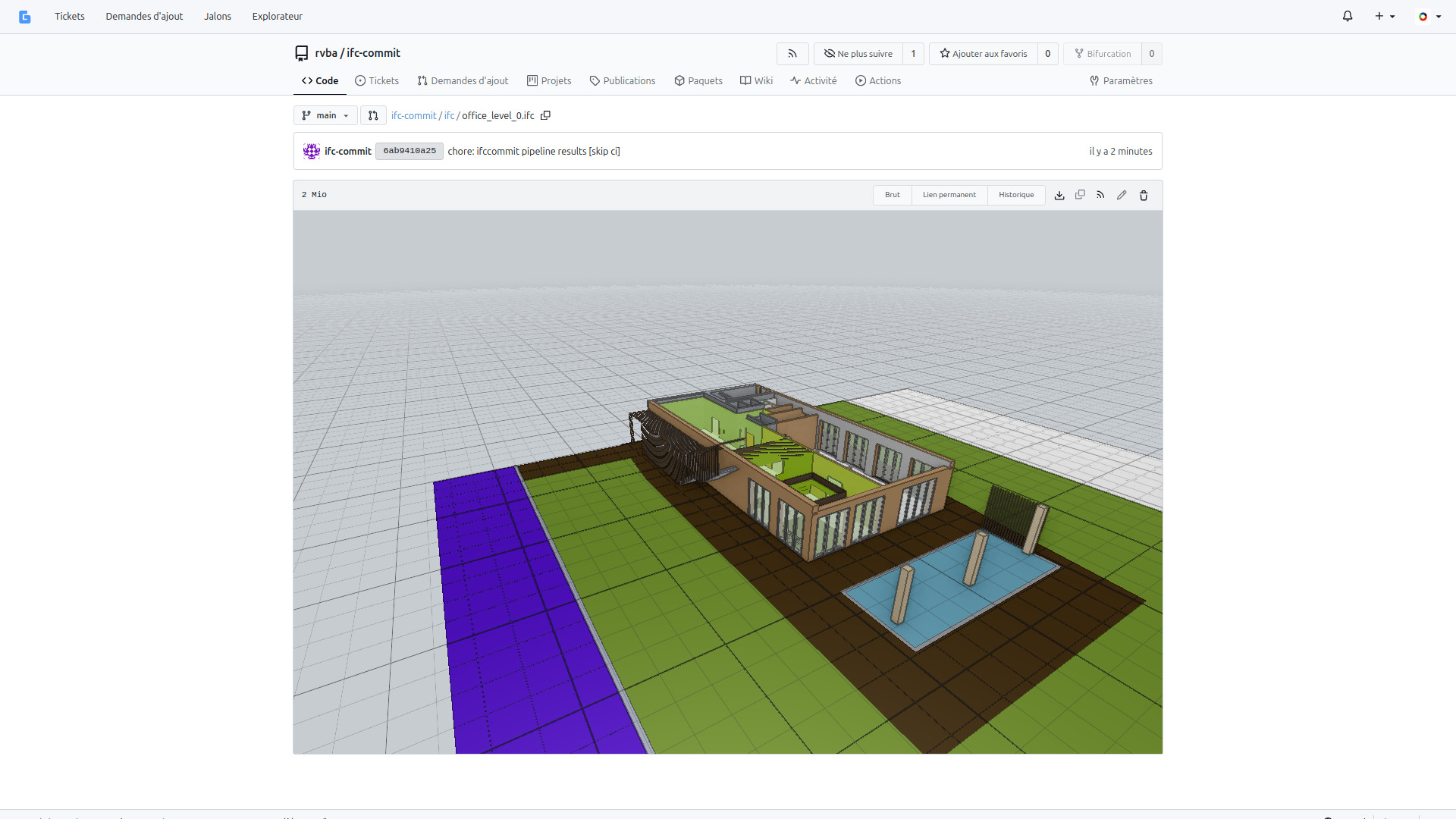
The same pipeline system applied to a larger model — an office building processed on a separate forge instance. The office-storey.yaml pipeline extracts a floor level and commits the result.